The infrastructure behind faster FPGA development.
Your tools, hardware, team and AI agents, connected across every FPGA iteration.
 L
 R
- ChangeChangeRegister the multiplier productmult_stage.sv · +4 −1+1 cycle+1 cycle
- DecisionDecisionSpend one cycle of latency to close timingDesign reviewLApprovedApprovedL
- BuildBuildImplementation at 300 MHzVivado 2023.2 · xc7a35tWNS +0.72 nsWNS +0.72 ns
- VerificationVerificationOutput cycle alignmenttb_mac_top19/19 cycles19/19 cycles
- DeploymentDeploymentProgrammed the shared boardKR260 · LabRBitstream v12Bitstream v12R
Connect the tools you already have
Bring your repositories, EDA tools, FPGA boards, and AI agents into a shared engineering environment.
EDA tools
 Vivado
 Quartus
 Libero
 Yosys
 Verilator
Source control
- Git
- GitHub
 GitLab
 Perforce
More integrations coming soon
Your FPGAs. Accessible from anywhere.
Connect the FPGA boards and JTAG cables already on your bench. No Veritas hardware required. Deploy bitstreams, run tests, and share access with your team and AI agents.
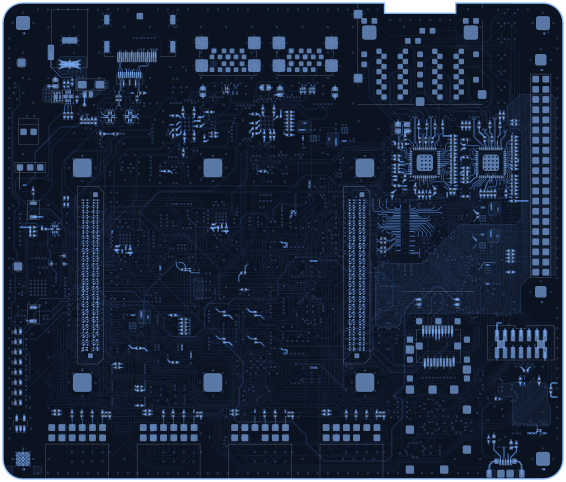
Kria KR260 - Lab · Remote FPGA
 Veritas· mac_pipeline
Kria KR260 - Lab
OnlineRunning
a3f91c2Pipeline the MAC accumulatorProgrammed 6 days ago by Richard
- FPGA
- xck26-sfvc784-2LV-c
- Status
- Configured
- People
- Richard
Now
Veritas agent · asked by Richard
Run it on the board. Keep the evidence.
An experiment tells you what happened when you exercised the board. Write one, reuse a test, or let an agent propose one — Veritas runs it next to the board and files the result against the exact build.
1from veritas_experiments import current_run23run = current_run()4eth = run.device.ethernet("dut_eth")56for size in run.param("sizes"):7 r = eth.blast(size, seconds=5)8 run.metric("throughput", r.gbps,9 unit="Gb/s", size=size)10 run.assert_equal(r.lost, 0)1112run.attach(eth.capture("rx.pcapng"))13# python · pytest · or any executable
Veritas agent · approved by Richard
Recorded with the result
- Design
- Bitstream
- Board
- Toolchain
- Environment
- Run by
Every build, measured the same way.
Because every result carries its commit, bitstream, board and environment, history becomes something you can reason about. A regression points to the change that caused it. A run whose conditions changed is flagged, not celebrated.
a3f91c27c2e0d49d1e07bc58a3f0e21b9d44b9e2a19d1e07b Regression traced to the change: +58% · rx_fifo depth 512 → 64
e21b9d4 Conditions changed: NIC firmware 1.4 → 1.6 · not comparable
- Python first, not Python only.
- Write a few lines of Python, run the pytest suite you already have, or call any executable that reports results.
- Runs where the board is.
- Dependencies install on the machine wired to the FPGA, isolated from Veritas. Over VPN or on-prem, your data stays put.
- Shared, never stepped on.
- Anyone can watch a run live. Programming and driving the board take a lease, so experiments queue instead of colliding.
- Agents run what you approve.
- Agents reuse trusted experiments before writing new ones, and go through the same queue, permissions and audit trail as you.
Don't just see what changed. See what it changed.
Veritas connects every RTL change to evidence from the tools you already run: simulation, synthesis, implementation and on-board tests.
Veritas· packet_path · Git0ca6006Not hotdog
by Jian-Yangvs parent 3ba1077Three lines, 5 DSPs, 64 failing endpoints at 125 MHz
rtl/checksum.v
+wire [31:0] mix = (sum * {16'd0, d}) * 32'h9e3779b1;-else if (v) sum <= sum + d;+else if (v) sum <= sum + mix;
Worst slack at 125 MHz
+2.34 ns → −6.71 ns
LUT 520 (+474)FF 100 (+43)DSP 5 (+5)
Your team's understanding of the hardware grows with every iteration.
Decisions, commits, build reports, toolchain results and hardware experiments become shared engineering knowledge that engineers and agents can build on.
REngineers and agents start from all of it
REngineers and agents start from all of it
“Why did we add a pipeline register in 87e2791?”
The previous commit failed timing at 125 MHz. The team chose one cycle of latency over a slower clock, and the fix was validated on the board.
- Timing failure
- 0ca6006 · WNS −6.71 ns
- Decision
- Laurie · latency over clock
- Revised build
- 87e2791 · WNS +0.72 ns
- Validating test
- KR260 · passed
MAsked by an engineer in review, and used by an agent planning the next change.
One design. An entire team at work.
Architecture, review, simulation and board tests running in parallel, all working from the same project context, tools and hardware, and filing their results to the same revision.
Bring your own subscriptions
Already paying for a coding agent? Just plug it into Veritas.


Codex · Claude · Hermes · Cursor · Copilot (no Hooli models for now)
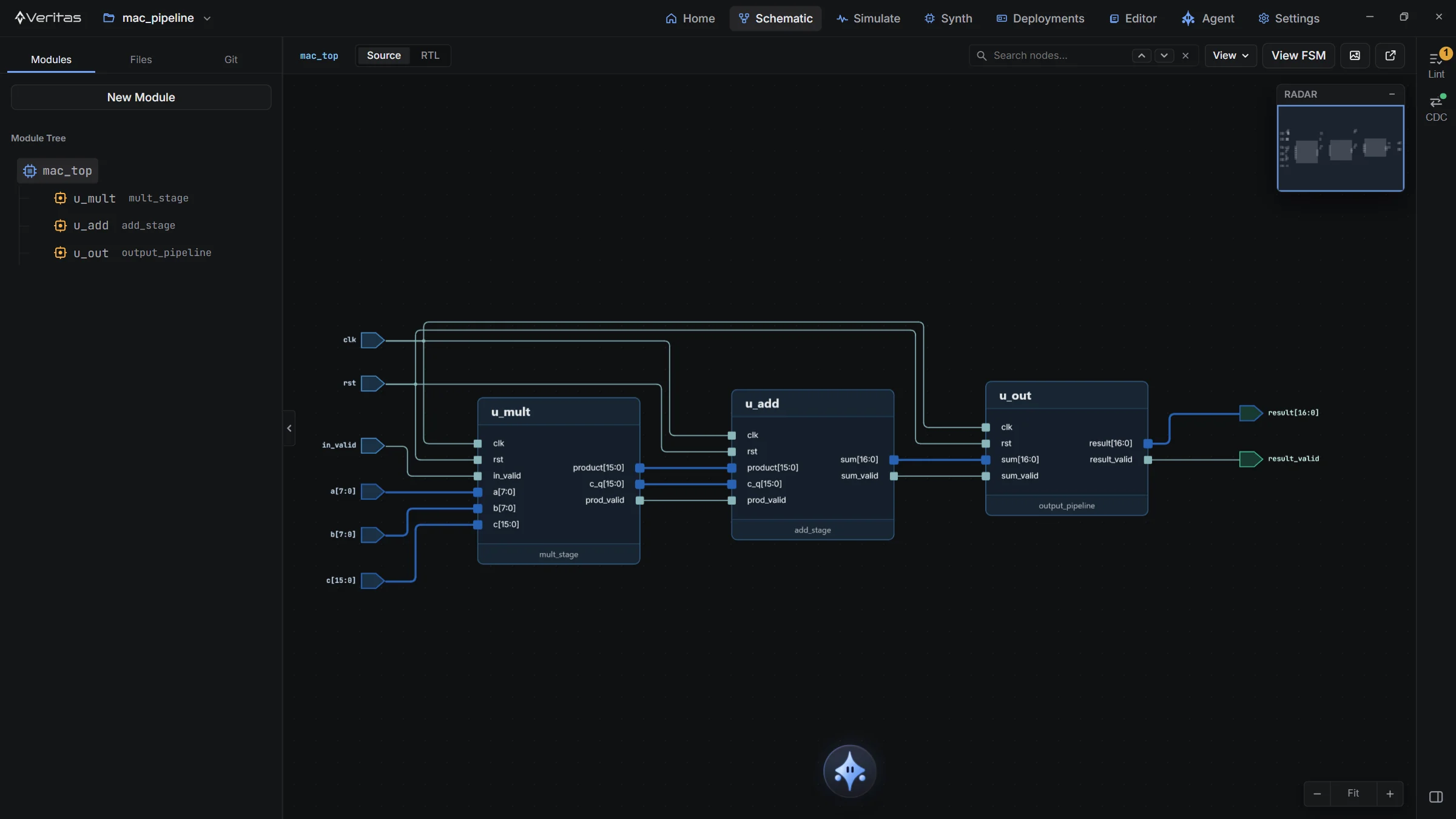
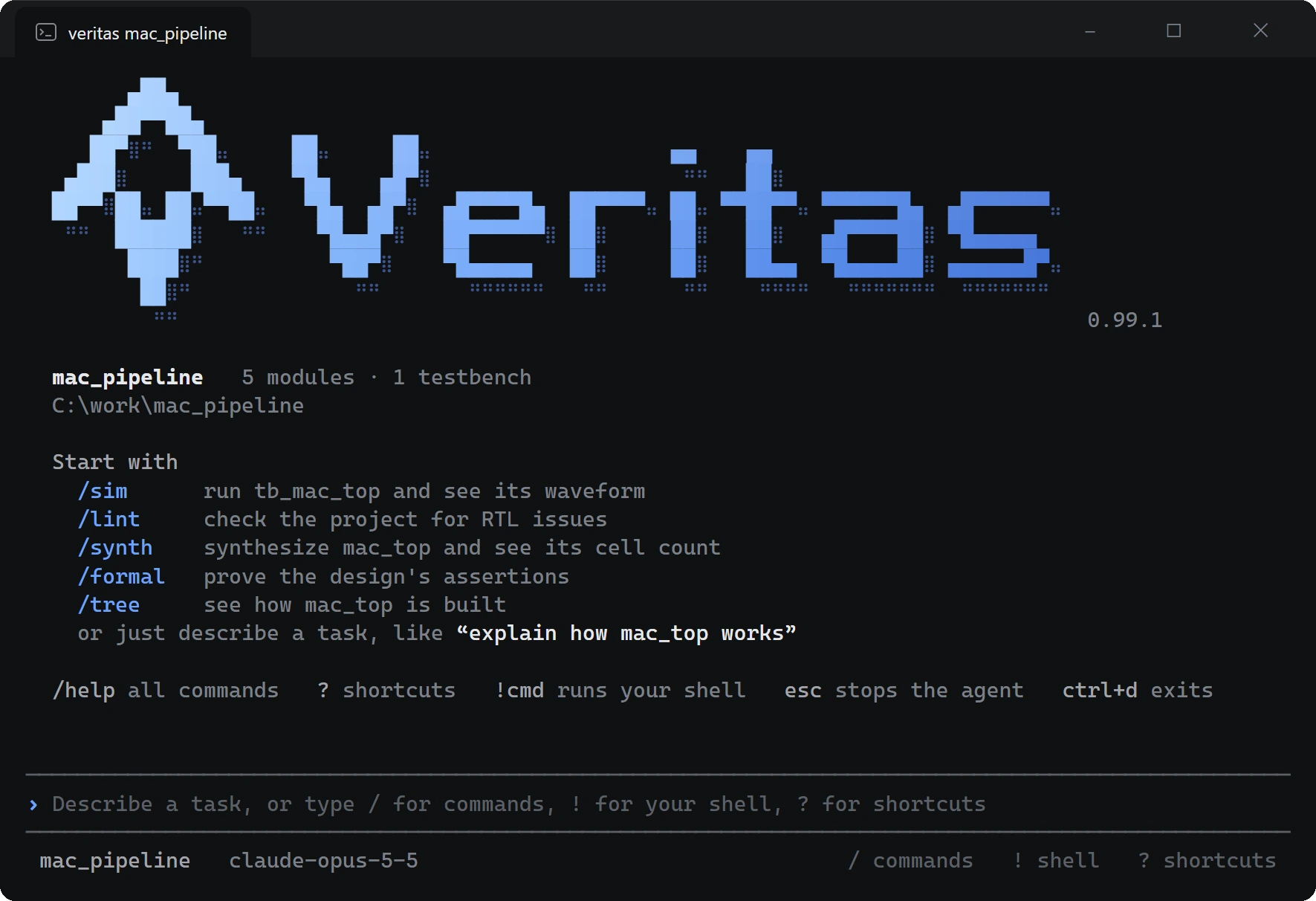
Desktop or terminal. Same Veritas.
Work in the desktop app, or stay in your terminal with veritas. The same project, agents and tools, wherever you prefer to work.